How to Give Any AI Agent the Ability to Make Real Phone Calls (in One Request)
Your AI agent can find a phone number but not dial it. Here is how to give Claude Code, Codex, Cursor, Grok Bot or any MCP or HTTP agent real phone calls in one request, with setup steps and pricing.
Published
Most AI agents can find a phone number but cannot dial it. Thoughtly for Agents closes that gap: it gives any agent that speaks MCP or HTTP a place_call tool, so Claude Code, Codex, Cursor, Gemini CLI, Copilot, Grok Bot or your own harness can make a real phone call in one request and get the result back in chat. You do not need to build an assistant, buy a number or stand up a webhookWebhookA webhook sends event data from one system to another through an HTTP request when a defined event occurs.Read full definition → for the first call.
This guide covers why agents get stuck at the phone, the exact setup steps, what a call costs, and how the hosted approach compares with wiring up your own telephony.
Why can't my AI agent make phone calls on its own?
Because a phone call is not a web request. To call a business, something has to own a phone line, reach the carrierCarrierA carrier is a telecommunications provider that transports voice calls or messages between phone numbers and networks.Read full definition → network, turn the agent's text into speech in real time, listen to the other side, and hand the result back. Chat agents and coding agents ship with web, file and shell tools. Very few ship with a phone line.
That gap shows up constantly in agent communities. One Hermes Agent user on Reddit described an otherwise happy setup that falls apart at the phone: "when an email bounces and it has a clear phone number, it texts me to make the call. How do we set it so it can make calls and get the job done?" (r/hermesagent).
A Claude Code user planning an event put it more specifically: "what i want is to have Claude call like 15 different venues, navigate the phone menus and wait times, ask follow up questions if things don't make sense, and get actual numbers." (r/AI_Agents).
And the plainest version of the request: "taking the info I give it, making the call, and coming back with an actual answer." (r/AI_Agents).
Our view: the agent already has the hard part, which is knowing who to call and what to ask. What it is missing is a hosted phone line it can drive with a tool call. That is the piece to add, not a whole voice stack.
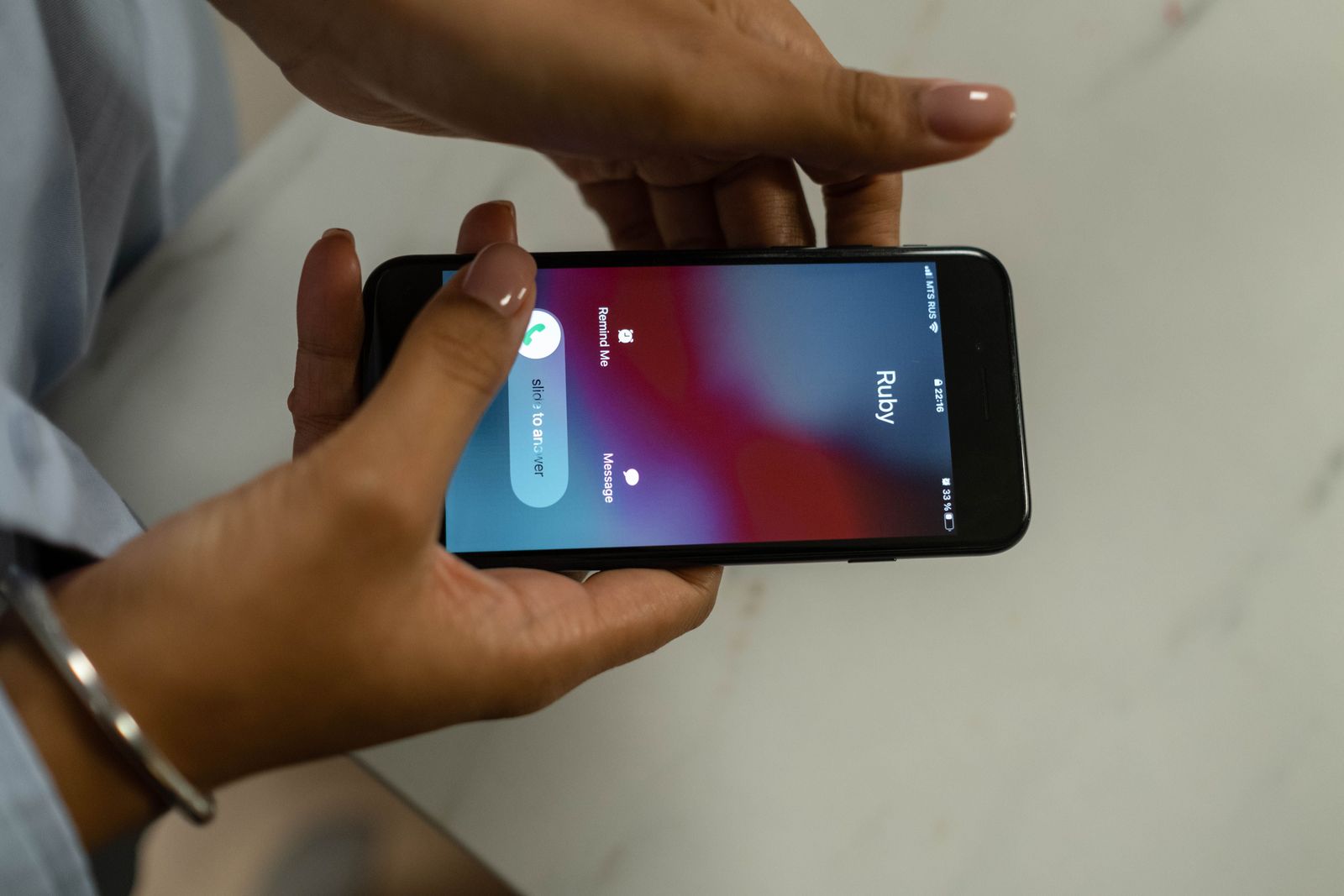
Your agent already knows who to call and what to ask; what it lacks is a phone line it can drive. Photo by Alicia Christin Gerald via Pexels (photo 37880101), used under the Pexels License. The photograph is staged stock; no endorsement or customer relationship is implied.
What is the easiest way to add phone calling to an AI agent?
The easiest way is a hosted calling tool that your agent can call like any other tool. With Thoughtly for Agents, a first call needs exactly two fields: to (the destination phone number in E.164 format) and prompt (what to accomplish and when to end the call). Thoughtly places the call, the phone agent holds the conversation, and your agent reads the outcome.
There are three ways in, and the agent skill tells your agent to use the first one that is available:
MCP is connected. The agent calls place_call with an idempotency key and the call details.
An HTTP key is already bound. The agent sends POST /v1/call with to and prompt in the JSON body, using a named secret such as THOUGHTLY_API_KEY.
Nothing is set up yet. The agent fetches the signup endpoint, the owner agrees to terms and verifies an email code, and the API key goes into the harness's secret store. The agent carries the original call request through signup and funding.
The request returns 202 with a queued status and a call ID. The agent follows that ID until the call ends, then reports what happened, including voicemail.
Here is the full path from nothing to a completed call. Your agent can do almost all of it; you approve the account and the payment.
Paste the starter prompt. Open agents.thoughtly.com/start, copy the starter prompt and paste it into your agent's chat. It tells the agent to read /skill.md and carry your call through signup, checkout and the result.
Or connect MCP directly. The MCP setup docs give install commands for Claude Code and Codex, and the endpoint is Streamable HTTP at /mcp with a workspace key or OAuth. The /start page lists Codex, Claude Code, Grok Bot, Cursor, Gemini CLI and Copilot.
Give the number and the goal. Tell your agent who to call and what you need, for example "Call this venue, ask whether Saturday the 14th is open for 60 people, the total price and the deposit, then thank them and hang up."
Approve signup if asked. If there is no workspace yet, the agent shows you the current terms and an email code step. Agree, verify, and the agent stores the key.
Fund the first call. If the wallet needs credit, the agent gives you a hosted checkout link. The agent checks the receipt and continues.
Let the call run. The agent places the call and waits for the result through an authenticated event feed (wait_for_events or GET /v1/events with a long poll). No public URL is required.
Read the outcome. get_call returns the status, the outcome and the cost. If you turned recording on with the other person's consent, the transcript and recording are available too.
For repeat jobs, the recipe library has ready prompts such as Check availability and Confirm a delivery, plus CRMCRMA CRM is the system used to manage leads, contacts, accounts, opportunities, activity, ownership, and follow-up.Read full definition → recipes for HubSpot, Salesforce, GoHighLevel, Zoho CRM, Google Sheets and Zendesk.
What does a call need, and what can I control?
A simple call needs only to and prompt. Everything else is optional, and the defaults are sensible. These are the fields worth knowing, all documented in the call API reference.
Field
What it does
When to use it
to
Destination phone number in E.164 format
Always
prompt
What to accomplish and when to end the call
Always; include the closing condition
first_message
The opening line when a person picks up
When the opener matters
screening_message
Exact introduction for a call screener
Calls likely to hit screening
voicemail
Let the agent decide, hang up, or leave an exact message
When you care what a voicemail says
voice
A voice ID from /v1/voices (default marin)
When you want a specific voice
recording
Saves audio and transcript
Only with participant consent
max_duration_seconds
A cutoff you choose for the call
When you have a budget or time box
from
An active number your account owns
When callbacks matter
Our recommendation for a first call: send only to and prompt, and write the prompt the way you would brief an assistant. Say who you are calling for, what you need to learn, and when to hang up. Add the other fields once you know what you want to change.
Start with two fields, to and prompt, and add the rest once you know what you want to change. Photo by Mikhail Nilov via Pexels (photo 7988086), used under the Pexels License. The photograph is staged stock; no endorsement or customer relationship is implied.
How much does it cost?
Calls cost $0.10 per connected minute plus carrier cost, billed per second. Managed telephony adds twice the carrier charge; if you bring your own carrier, your carrier bills you directly. Each outbound minute needs a prepaid hold of $1, and unused credit becomes available again when the carrier confirms the final cost. Current rates are always at /v1/pricing.
Good practice before your first call:
Set a cutoff if you want one. max_duration_seconds ends the call at a time you choose.
Recording is off by default. Turn it on only with participant consent.
Disclosure rules still apply. A phone agent is not a way around consent or disclosure obligations. Our TCPA checklist for AI calling covers the basics for business use.
A hosted call means the person on the other end just hears a normal phone call. Photo by cottonbro studio via Pexels (photo 6862836), used under the Pexels License. The photograph is staged stock; no endorsement or customer relationship is implied.
How does this compare with building it yourself or using another voice API?
There are three common routes. Each is a fair choice for a different job.
Route
What you set up
Good fit
Watch out for
DIY: Twilio plus a realtime voice model
A carrier account, numbers, media streams, a public webhook or tunnel, and the voice loop
Teams that want full control of the stack
You own every failure mode, from audio to webhooks
Bland
An API to send an AI phone call with a custom objective; agents, personas or pathways
Teams building production voice agents
Start plan lists $0.14/min with no platform fee and a 100 calls per day cap
Thoughtly for Agents
One place_call request from your existing agent over MCP or HTTP
Personal and coding agents that need to make a call and report back
Pricing: $0.10 per connected minute plus carrier cost
Our view: if your agent is the product, and you want it to make an occasional or recurring call without you building and operating telephony, a hosted tool your agent already knows how to use is the shortest path. If you are building a voice product for thousands of callers, compare the platforms on their own terms. Our guide on what to compare in an AI voice agent is a good place to start.
What happens when the call hits voicemail, a phone menu or a screener?
The phone agent handles the common obstacles, and you can steer each one:
Voicemail. Omit voicemail and the agent decides whether to leave a message. Set it to hang up for a quiet exit, or give an exact message. Our voicemail detection guide covers when each choice makes sense.
Phone menus. Put the goal in the prompt, such as the department or extension, and the phone agent listens and presses keys to reach it.
Call screeners. Include the caller's identity and reason in the prompt so the agent can introduce itself, or set screening_message for an exact introduction. If a screener never connects you, the result says so (screened_no_pickup) instead of pretending the call worked.
Place the call, then wait on the event feed; the agent never has to block a tool call for minutes. Photo by Daniil Komov via Pexels (photo 34803969), used under the Pexels License. The photograph is staged stock; no endorsement or customer relationship is implied.
How does my agent get the result back without timing out?
A call can take minutes, which is longer than many tool calls are allowed to block. Thoughtly separates placing the call from waiting for it. The place_call request returns a call ID right away. The agent then listens on the authenticated event feed (wait_for_events over MCP, or GET /v1/events?wait_seconds=20 over HTTP) until call.ended arrives, and reads get_call for the outcome and cost. If you run a hosted app, signed webhooks are available instead.
The practical rule: start listening before you dial, save the call ID, and never place a second call just because a response was slow. Replay the same request with the same idempotency key instead, so a retry cannot ring someone twice.
OpenClaw's voice-call plugin is self-hosted on TwilioTwilioTwilio is a cloud communications platform that provides programmable voice, messaging, phone numbers, and related APIs.Read full definition →, and its GitHub tracker shows the setup cost, for example an open issue asking to make inbound Twilio setup explicit in the quick start (#199885). Thoughtly for Agents is the hosted alternative: one request, no carrier account.
Hermes Agent
Hermes users ask for the same thing in their own words (quoted above). Hermes can follow the /skill.md instructions over HTTP with a bound API key.
Claude Code
Claude Code connects over MCP; the MCP setup docs include the install command.
Frequently asked questions
Can Claude Code, Codex or Cursor make phone calls?
Yes, through a tool. Connect Thoughtly for Agents over MCP (the docs include install commands for Claude Code and Codex) or let the agent read /skill.md and use the HTTP API. The /start page lists Codex, Claude Code, Grok Bot, Cursor, Gemini CLI and Copilot.
Do I need a Twilio account or my own phone number?
No. Thoughtly hosts the call, so a first call needs no carrier account, no number purchase and no webhook. If you want people to call you back, reserve a dedicated number; see our guide to giving your AI agent a real phone number that takes callbacks.
How much does one AI agent phone call cost?
$0.10 per connected minute plus carrier cost, billed per second. Managed telephony adds twice the carrier charge, and each outbound minute needs a $1 prepaid hold that is released after the call settles.
Can I set how long a call runs?
Yes. Set max_duration_seconds to end the call at a time you choose.
Will the call be recorded?
Only if you ask. Recording is off by default, and you should turn it on only when the other participant has consented.